

Website Performance: How Page Speed Kills Conversions
July 1st, 2026 by admin
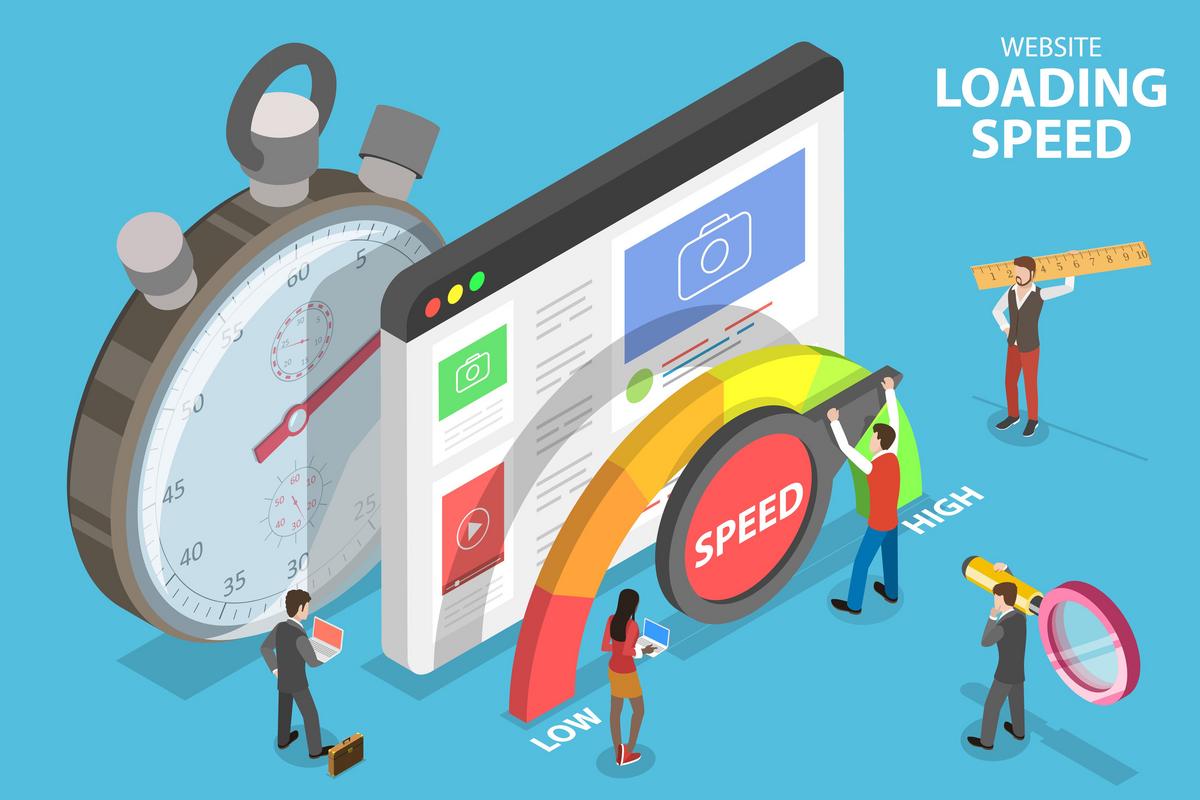
The Three-Second Rule That's Costing You Money
Picture this: A potential customer searches for your services, clicks on your website, and... waits. And waits. After three seconds of staring at a loading screen, they hit the back button and click on your competitor's link instead. You just lost a sale, and you didn't even know they were there.
This isn't a hypothetical scenario—it's happening to businesses every single day. Website performance isn't just a technical concern for developers to worry about; it's a critical business issue that directly impacts your revenue, customer satisfaction, and competitive advantage.
The Real Cost of Slow Loading Times
Let's talk numbers, because that's what really matters to your business. Research consistently shows that page speed has a measurable impact on key business metrics:
- Conversion rates drop dramatically with each second of delay. A one-second delay in page load time can result in a 7% reduction in conversions. For an e-commerce site making $100,000 per day, that's $2.5 million in lost sales annually.
- Bounce rates skyrocket when pages load slowly. 53% of mobile users abandon sites that take longer than three seconds to load.
- User satisfaction plummets, affecting your brand reputation and likelihood of return visits. A slow website sends a message that you don't value your customers' time.
- Search rankings suffer because Google uses page speed as a ranking factor. Slower sites get pushed down in search results, reducing your organic traffic.
The Mobile Speed Factor
Mobile users are even less patient than desktop users, and with mobile traffic now accounting for over 60% of web traffic, you can't afford to ignore mobile performance. The average mobile page takes 15.3 seconds to load—that's five times longer than most users are willing to wait.
If your site isn't optimized for mobile speed, you're essentially turning away the majority of your potential customers. That's not a business strategy; that's a business killer.
Why Websites Slow Down (And How to Fix It)
Understanding the culprits behind slow page speeds is the first step toward fixing them. Here are the most common performance killers:
Oversized Images and Media Files
Images are often the biggest bandwidth hogs on websites. High-resolution photos that haven't been optimized for web use can be several megabytes in size. When you multiply that across multiple images on a single page, load times balloon unnecessarily.
The fix: Compress images without sacrificing quality, use modern image formats like WebP, and implement lazy loading so images only load when they're about to appear on screen.
Bloated Code and Excessive Scripts
Every plugin, widget, and third-party script adds code that your visitor's browser must download and process. Many websites accumulate these elements over time without considering the performance impact.
The fix: Audit your website regularly to remove unnecessary plugins and scripts. Minify your CSS and JavaScript files. A professional website audit can identify exactly what's slowing you down and prioritize fixes based on impact.
Poor Server Response Times
Your hosting environment plays a crucial role in website speed. Cheap shared hosting might save you a few dollars monthly, but it can cost you thousands in lost revenue if your server can't deliver content quickly.
The fix: Invest in quality hosting with sufficient resources for your traffic levels. Consider using a Content Delivery Network (CDN) to serve static content from servers closer to your users geographically.
Lack of Caching
Without proper caching, your server has to rebuild every page from scratch for every visitor. This wastes resources and slows down delivery times unnecessarily.
The fix: Implement browser caching and server-side caching to store commonly accessed resources and reduce server load.
The SEO Connection You Can't Ignore
Google has made it crystal clear: page speed is a ranking factor for both desktop and mobile search results. The search giant's Core Web Vitals update specifically measures user experience metrics including loading performance, interactivity, and visual stability.
Websites that deliver fast, smooth experiences get rewarded with better rankings. Sites that frustrate users with slow loads and janky interfaces get penalized. It's that simple.
But the SEO impact goes beyond just the algorithm. When your site loads slowly, users bounce back to search results. This sends a negative signal to Google that your site didn't satisfy the user's query, further hurting your rankings. It's a vicious cycle that's hard to break without addressing the underlying performance issues.
Investing in professional SEO and marketing services means working with experts who understand how technical performance, content quality, and user experience work together to drive rankings and revenue.
Speed Optimization: Quick Wins vs. Long-Term Strategy
While some performance improvements require technical expertise and significant investment, there are quick wins you can achieve relatively easily:
Quick Wins
- Compress and optimize all images on your site
- Enable GZIP compression for text-based files
- Minimize HTTP requests by combining files where possible
- Remove unused plugins and scripts
- Leverage browser caching with proper cache headers
Long-Term Strategic Improvements
- Migrate to better hosting infrastructure
- Implement a robust CDN solution
- Rebuild your site with performance-first architecture
- Establish ongoing monitoring and optimization processes
- Create a performance budget to prevent future bloat
The reality is that website performance isn't a one-time fix—it's an ongoing commitment. As you add new content, features, and functionality, performance must remain a priority. That's where professional website optimization services prove invaluable, providing continuous monitoring and improvements to keep your site running at peak performance.
Measuring What Matters
You can't improve what you don't measure. To truly understand your website's performance and track improvements over time, you need to monitor the right metrics:
- First Contentful Paint (FCP): How quickly content starts appearing on screen
- Largest Contentful Paint (LCP): When the main content becomes visible (should be under 2.5 seconds)
- Time to Interactive (TTI): How long until the page becomes fully interactive
- Total Blocking Time (TBT): How long the page is unresponsive to user input
- Cumulative Layout Shift (CLS): How much the page layout shifts during loading
Tools like Google PageSpeed Insights, GTmetrix, and WebPageTest provide detailed performance reports and specific recommendations for improvement. Regular testing from different locations and devices gives you a complete picture of user experience.
The Bottom Line on Bottom Lines
Website performance isn't about satisfying some arbitrary technical benchmark—it's about respecting your customers' time, meeting their expectations, and removing barriers to conversion. Every second your site takes to load is a second your potential customer is reconsidering their decision to do business with you.
The businesses winning online aren't necessarily those with the biggest marketing budgets or the flashiest designs. They're the ones providing fast, frictionless experiences that make it easy for customers to find what they need and take action.
If you're serious about growing your business through your online presence, website performance can't be an afterthought. It needs to be baked into every decision you make about your site, from custom website design to ongoing maintenance and optimization.
Your competitors are already optimizing their sites for speed. The question is: will you match them, or will you be the slow site that customers skip over on their way to making a purchase?
Ready to find out how your website really performs and what it's costing you? Get in touch for a comprehensive performance analysis that identifies exactly where you're losing customers and revenue—and how to fix it.
Posted in: SEO